-
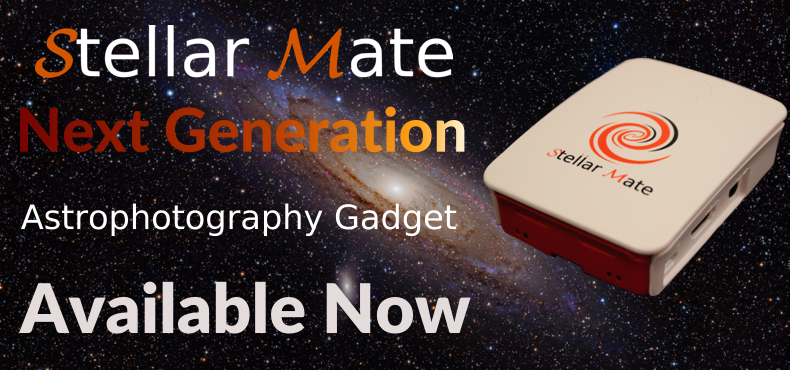
StellarMate IoT Astrophotography
It's finally here. Explore the Next-Generation Gadget tailored for Astrophotography powered by INDI & Ekos Read More -
Bi-monthly INDI Library Release
Find out the latest features & improvements in the latest installment of INDI Library releases for all major platforms. Read More -
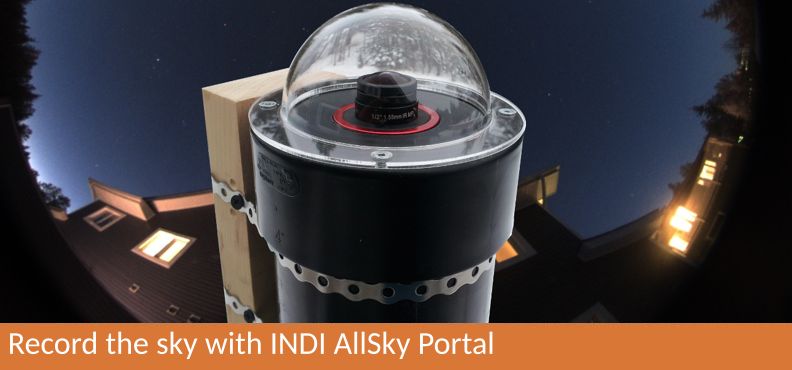
INDI AllSky: Record the Sky
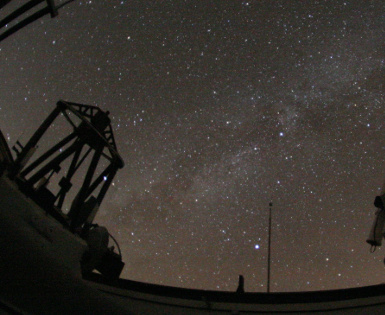
Use your camera, wide-angle lens, and Raspberry PI to watch and record the sky 24/7. The portal supports time-lapse generation, automatic dark subtraction, Moon mode, Keograms, and much more! Read More
›
‹
- 1
- 2
- 3
What is INDI?
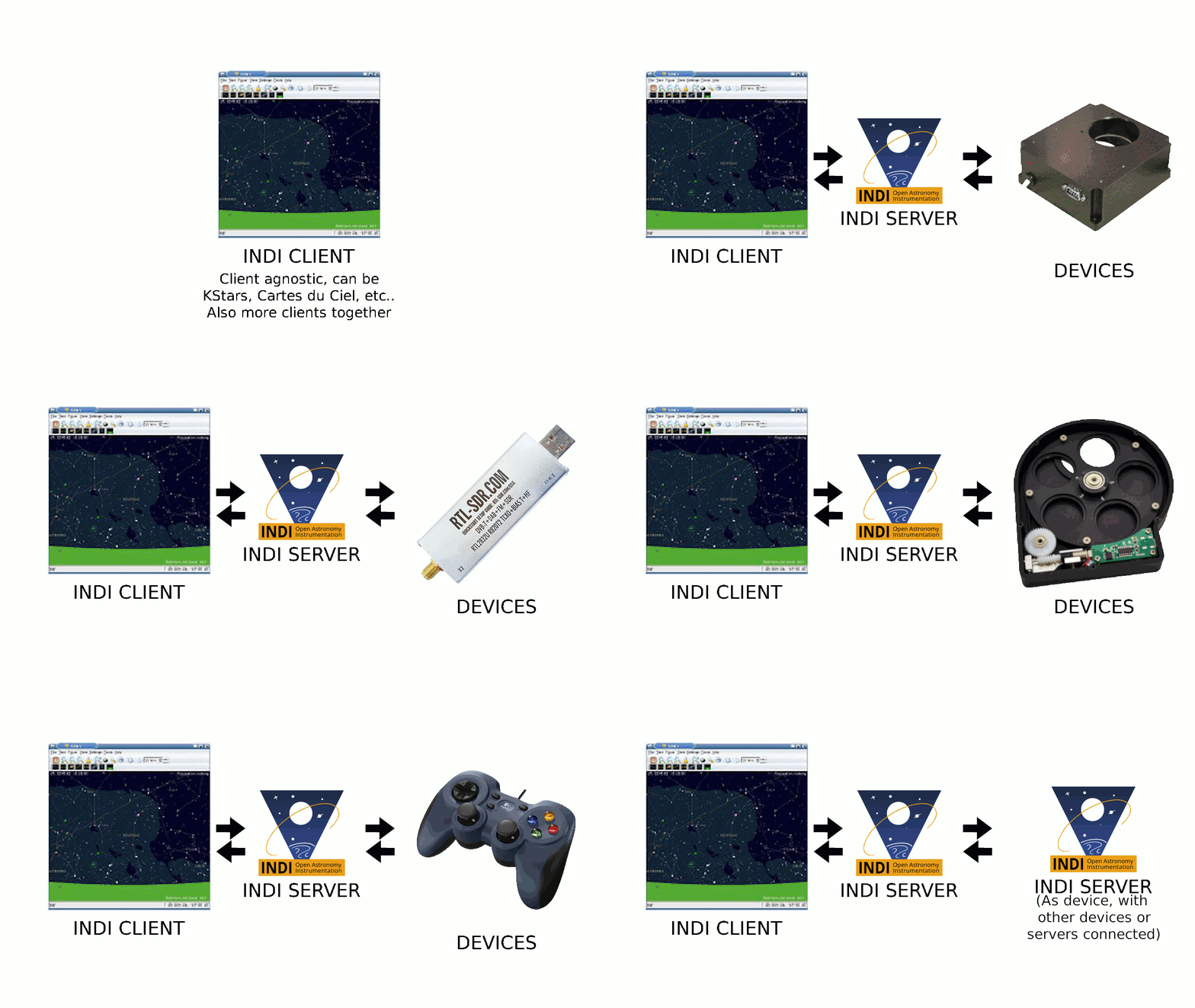
INDI Library is an open source software to control astronomical equipment. It is based on the Instrument Neutral Distributed Interface (INDI) protocol and acts as a bridge between software clients and hardware devices. Since it is network transparent, it enables you to communicate with your equipment transparently over any network without requiring any 3rd party software. It is simple enough to control a single backyard telescope, and powerful enough to control state of the art observatories across multiple locations

Features
- Open Source: Available for all to contribute to and re-use under the commercial-friendly LGPL v2 license.
- Cross Platform: MacOS, Linux, and Windows* support.
- Client agnostic: Drivers are written once for all supported clients. No need to update clients when a driver adds new features.
- Distributed Control: With INDI server/client architecture, you can communicate with devices either locally or remotely transparently. INDI accommodates intermediate servers, broadcasting, and connection topologies ranging from one-to-one on a single system to many-to-many between systems of different genre.
-
* Windows server support is not available.
Rich Client Support
When a new device is supported by INDI, it is immediately available for control to all INDI clients. Clients are the front-end software you use to communicate with your equipment (e.g. KStars or PHD2). With over 22 clients under Windows, MacOS, Linux, iOS, Android, and Web, you get the freedom to choose how to run your equipment using your favorite operating system and software.


Community
Backed by a strong and vibrant community of professionals and amateurs alike from numerous backgrounds, the INDI project is community-driven and supported. Thousands of amateur and professional astronomers rely on INDI to power their equipment across the globe, join us today!


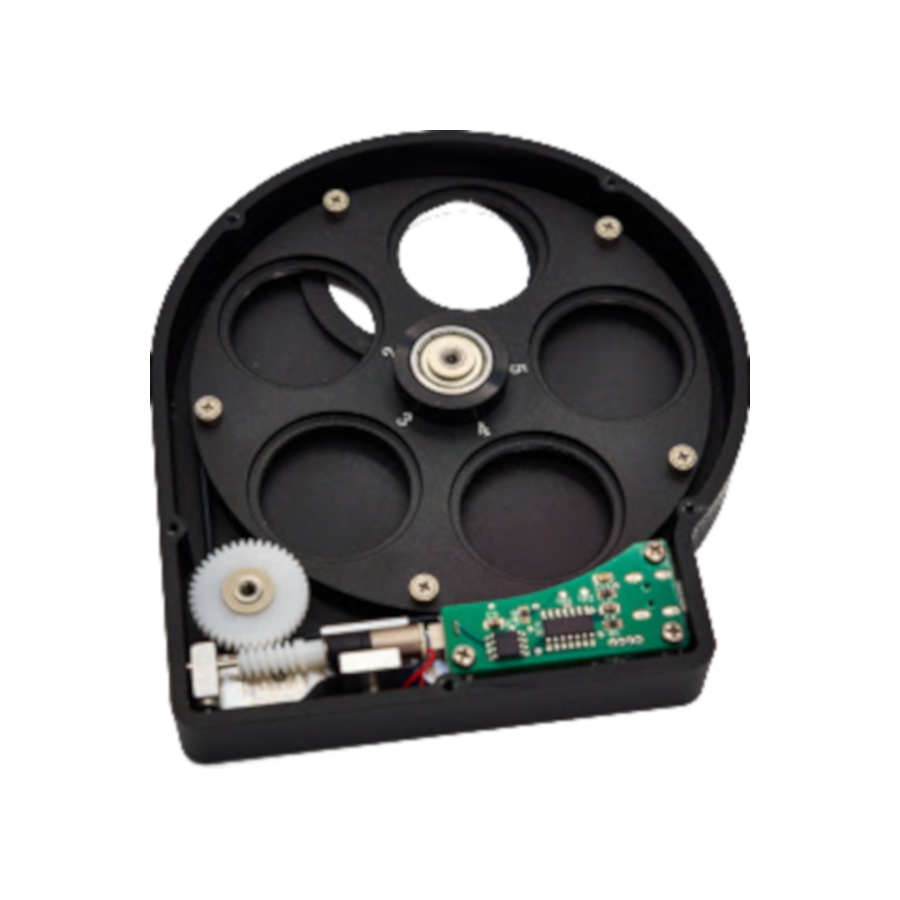
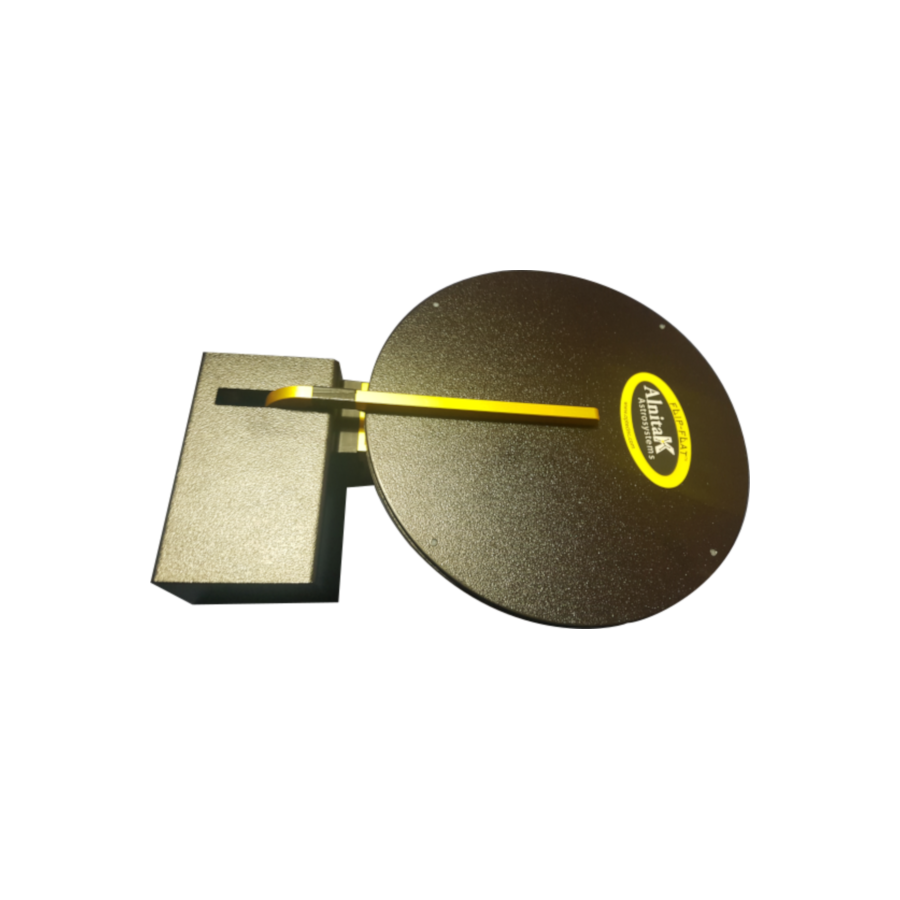
Devices supported by INDI
- Default
- Title
- Date
- Random







© 2003-2022 by INDI Library. All rights reserved.